
My product demo is a config file now
 Hauke Jung··4 min read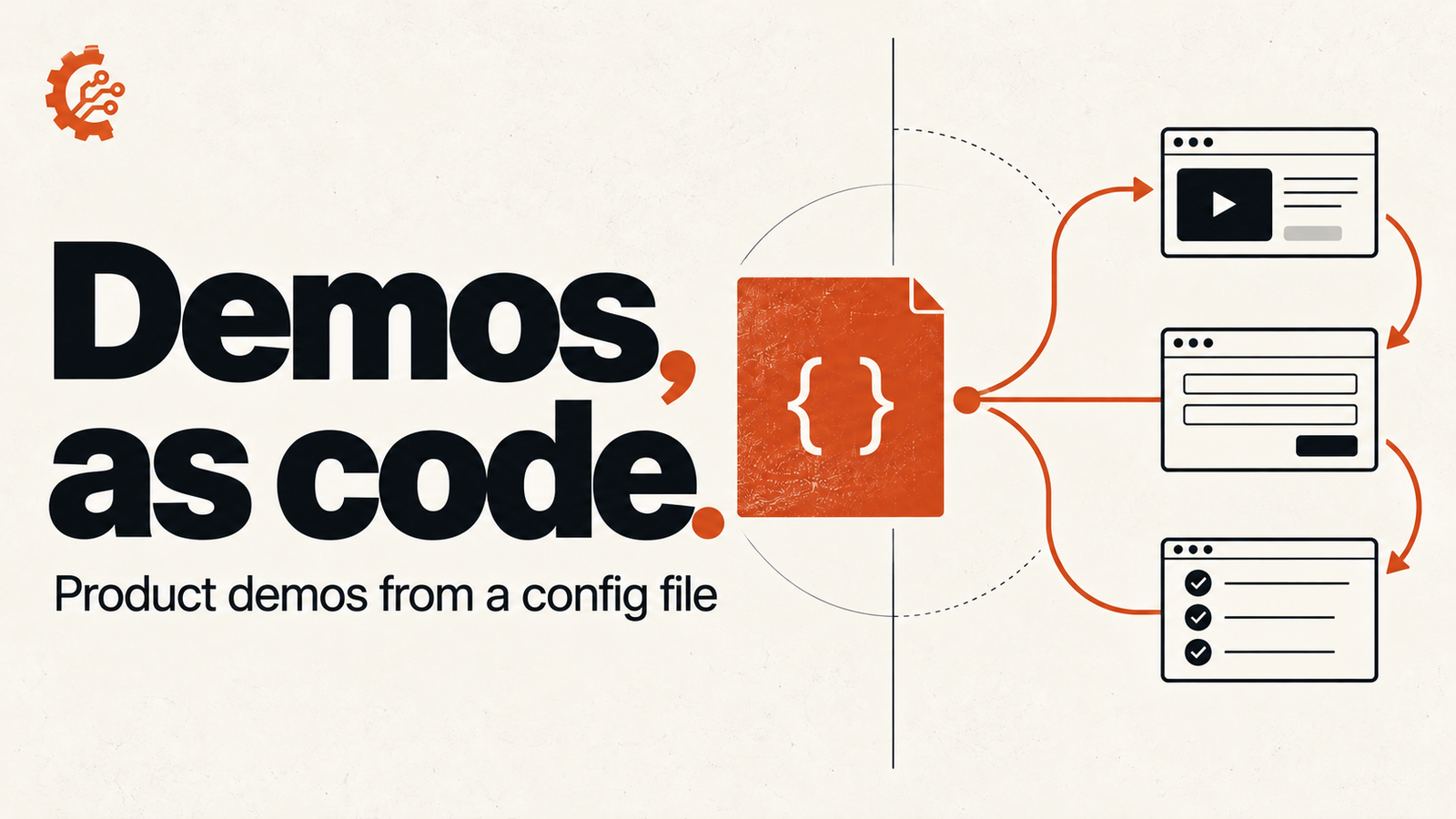
On this page (5 sections)
Every small SaaS hits the same wall with product demos.
You want a clickable demo on the landing page. Video feels passive, and a live call for every lead does not scale for a team of one. So you look at the interactive demo tools. The good ones start at hundreds of dollars a month. The cheap ones are screenshot-based, and screenshots have a short shelf life.
Ship a redesign, rename a button, move the sidebar, and the demo on your homepage is lying about your product. Fixing it means clicking through the whole flow again, re-taking every screenshot, and re-placing every callout. I did that three times before I gave up and built something else.
The tool is Stepshots. It is mine, so calibrate for bias. This post is about the idea behind it, which you can steal even if you never use it.
The demo is the config, not the screenshots
The screenshots were never the valuable part. The valuable part was the flow: which page, which button, what to type, what to point at. That fits in a few lines of JSON.
The CLI opens a headless Chrome, walks the steps, and takes one screenshot per step with the callouts already placed:
When the UI changes, I run that command again. The flow stays the same and the pictures are fresh. If a selector broke, it tells me which step and saves a screenshot of the page at the moment it failed, so I fix one line instead of guessing.
Because it is a file, it lives in the repo next to the code it describes. It gets reviewed in pull requests. It has history.
Knowing when the demo is stale
Re-recording is cheap, but you still have to know when to do it. I usually did not.
stepshots verify replays every demo against the live app without recording anything, and exits non-zero when something drifted: a selector that stopped matching, a page that no longer loads, a callout that lost the element it pointed at. I run it in CI on a schedule. A broken demo is now a red build, not a customer telling me the screenshot looks wrong.
Letting an agent write it
Writing selectors by hand is the boring part, so I mostly don’t anymore. The CLI ships an MCP server (stepshots mcp), which means Claude Code or any other MCP client can read the config schema, write the flow, record it, check it, and upload it.
In practice I describe the flow in a sentence, something like “sign up, create a project, invite a teammate”, and review the config it produces. The agent does the clicking. I do the judging. That split feels right for demos, because a wrong demo is cheap to see and cheap to fix.
What it is not
Honest limits, since you will hit them:
- It is screenshots, not captured HTML. A viewer clicks through real images of your app, not a live copy of the DOM. That is what keeps it cheap and fast. It also means hover states and tiny text are only as good as the screenshot.
- Logged-in flows need a setup step. Recordings start in a fresh browser, so you log in once in a persistent profile and point the recorder at it.
- One-shot flows are awkward. Anything you can only do once, like deleting an account, cannot be replayed cleanly. For those you capture the step by hand and patch it into the bundle.
If you need pixel-perfect HTML demos with editable text, the expensive tools are expensive for a reason. If you are a small team whose UI changes every week, maintenance is the real cost, and a config file is the cheapest fix I have found.
Try it
The CLI is open source on GitHub:
|
preview runs the flow in a visible browser, so you can watch it click through before you record anything. Upload a bundle to stepshots.com when you want an embeddable demo. The free plan covers one, which is all most landing pages need.
If you try it and something breaks, I want to hear about it. That is how the last few releases happened.